
Advertisements
Here’s something wild: Americans spend an average of 10 hours per month just managing their finances, according to a 2023 survey. That’s like a part-time job nobody asked for! I used to be one of those people, scrambling every month to remember which bills were due when, transferring money between accounts like some kind of financial juggler. Spoiler alert – I dropped a lot of balls.
Learning to automate finances literally changed my life. And honestly? I wish someone had sat me down years ago and explained how stupidly simple it could be.
My Wake-Up Call (AKA The $35 Late Fee That Broke Me)
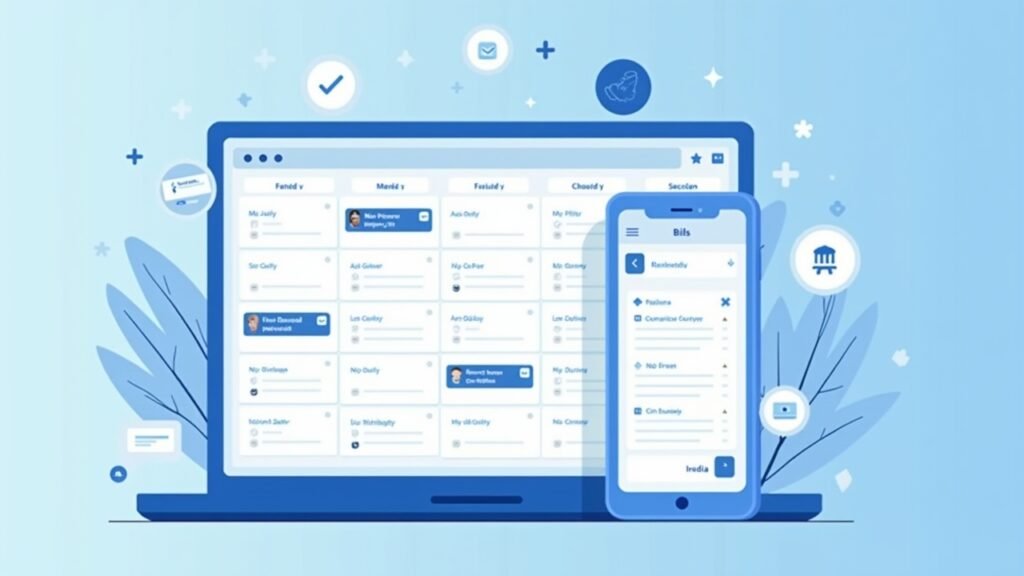
So there I was, making decent money as a teacher, but somehow I’d forgotten to pay my credit card bill. Again. The late fee hit, my credit score took a nosedive, and I just sat there thinking, “I’m a grown adult who can’t even remember to click ‘pay’ once a month.”
That’s when I started exploring automatic payments and financial automation tools. Turns out, the whole “set it and forget it” approach isn’t just for infomercial rotisserie ovens – it works pretty darn well for personal finance management too.
The Baby Steps: Starting With Bill Pay Automation
First thing I automated? My recurring bills. Electric, internet, phone, streaming services – basically anything that charged me the same amount each month got put on autopilot.
Most banks offer automatic bill payment services these days. You can set it up directly through your bank’s online portal or through the biller’s website. I prefer doing it through the actual company (like setting up autopay with my electric company) because then I can see everything in one place.
Pro tip from my mistakes: Always set up payment reminders a few days before the money comes out. That way you can double-check your account balance and avoid any “insufficient funds” embarrassment.
Getting Fancy: Automated Savings (The Money You’ll Actually Keep)
Here’s where things got really cool. I discovered that most people who try to save money manually just… don’t. We have good intentions, sure, but then life happens and suddenly that $200 you meant to transfer to savings went toward concert tickets instead.
I started using apps like Digit and features within my banking app that automatically transfer small amounts to savings. Some apps even analyze your spending patterns and move money when they know you won’t miss it. It’s like having a really smart friend who hides money from you for your own good.
The “pay yourself first” method became so much easier once I automated it. Every payday, before I even saw the money, a chunk went straight to my emergency fund.
Investment Automation (Because Future Me Deserves Better)
I’ll be real with you – I used to think investing was only for Wall Street types with fancy suits. But then I learned about robo-advisors and automatic investment apps, and suddenly it clicked.
Services like Betterment and Acorns let you set up recurring investments. You decide how much, how often, and what your risk tolerance is, then they handle the rest. I started with just $50 a month because that’s what I could swing. Now it’s been running for three years and honestly, I forget it’s even happening most of the time – which is kind of the point!
The best part? Dollar-cost averaging happens automatically when you invest the same amount regularly, which means you’re buying more shares when prices are low and fewer when they’re high. It smooths out the market craziness without you having to think about timing.
The Budget Tracking Game-Changer
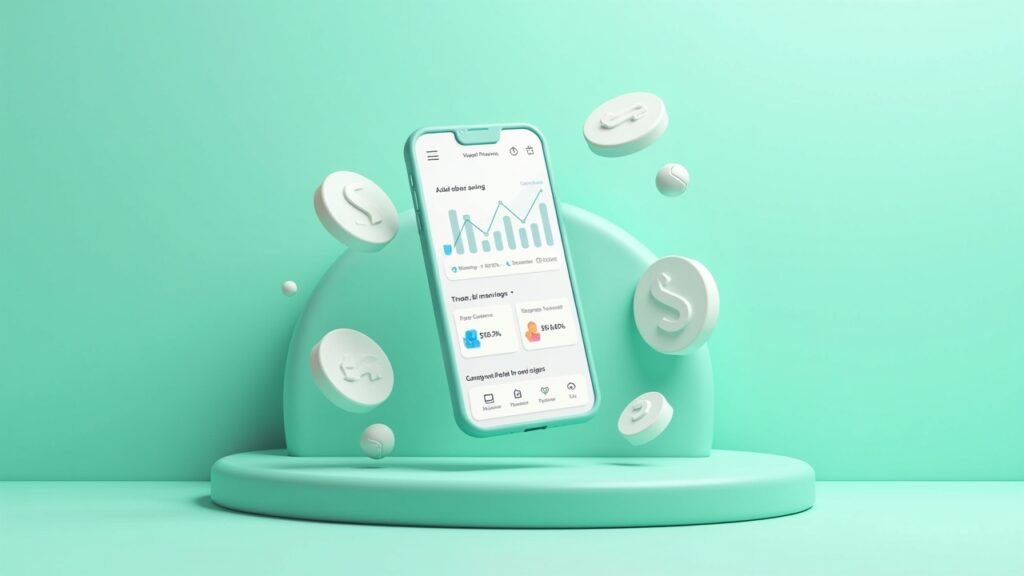
Look, I tried budgeting apps before and hated them. Too much manual entry, too complicated, just… ugh. But then I found apps that automatically categorize your spending by connecting to your bank accounts.
YNAB (You Need A Budget) and Mint are popular options that sync with your accounts and track everything automatically. Now I can see exactly where my money’s going without typing in every coffee purchase. Though seeing how much I actually spend on coffee was a bit of a shock, not gonna lie.
What Could Go Wrong? (Spoiler: A Few Things)
Automation isn’t perfect, and I learned this the hard way. One time my automatic payment tried to go through the day before payday, and yep – overdraft fees happened. Not fun.
Here’s what I wish I’d known earlier:
- Always maintain a buffer in your checking account
- Review your automated transactions monthly (it only takes 15 minutes)
- Set up low balance alerts with your bank
- Don’t automate variable bills until you understand the range
- Keep your login credentials secure – seriously, use a password manager
Your Money, Your Autopilot
The thing about financial automation is that it’s not one-size-fits-all. What works for me might not work for you, and that’s totally okay! Start small, maybe with just one or two bills, then expand as you get comfortable.
The goal isn’t to completely disconnect from your finances – you should still be aware of what’s happening. Think of automation as your co-pilot, not a replacement for actually understanding where your money goes. Check in regularly, adjust as your life changes, and don’t be afraid to turn something off if it’s not working.
Ready to dive deeper into taking control of your financial life? Head over to Money Mythos where we break down all sorts of money topics without the boring financial jargon. Trust me, there’s way more where this came from, and it’s all written by real people who’ve made real mistakes (mostly me) so you don’t have to!